- POS integrated with ERP is a point-of-sale system connected directly to the ERP, so revenue, inventory and accounting update the moment a transaction occurs.
- Hospital canteens handle high transaction volumes at peak hours across many counters and items — figures easily drift apart when sales, inventory and accounting are kept separate.
- ENTROSOFT has taken POS integrated with ERP live at the Bệnh viện An Sinh canteen (22/07/2026) and the Bệnh viện 175 canteen (07/09/2026).
The operational challenge of a hospital canteen
A hospital canteen serves medical staff, patients and their families, with customers crowding in at peak hours. Cashiers need fast checkout; managers need to know revenue per counter, remaining ingredient stock and actual costs. When sales are recorded in one place and inventory and accounting in another, end-of-day reconciliation is laborious and error-prone.
Why should POS be connected to ERP?
- Revenue: every counter transaction is recorded in the ERP instantly, with no re-entry.
- Inventory: items sold are deducted from stock automatically, making replenishment proactive.
- Accounting: sales figures flow straight into the books for faster reconciliation.
- Reporting: managers view revenue by counter, by item and by shift in a single system.
Solution architecture
| Layer | Role |
|---|---|
| POS terminals at the counter | Sales, payment and printing receipts for customers |
| Odoo ERP | Inventory, purchasing, accounting, reporting — receives data from POS |
| Operations team | Canteen managers monitor reports, accountants reconcile |
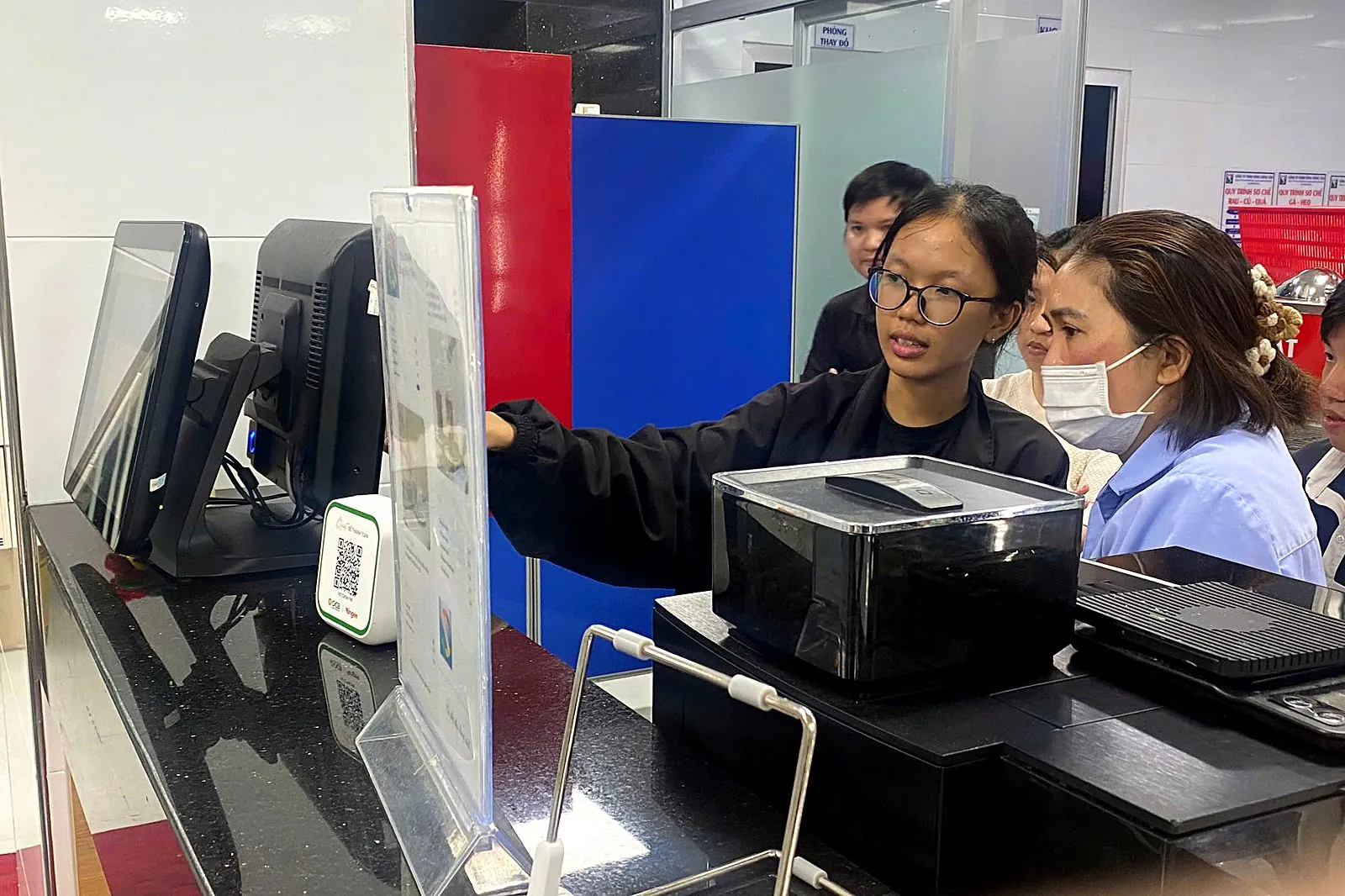
From real projects: Bệnh viện An Sinh and Bệnh viện 175
On 22/07/2026, ENTROSOFT completed the implementation of a POS system integrated with ERP for the Bệnh viện An Sinh canteen. Read the An Sinh go-live story →
On 07/09/2026, ENTROSOFT took the POS system live at the Bệnh viện 175 canteen, connecting sales operations with the ERP. Read the Bệnh viện 175 go-live story →
Implementation steps
- Survey counters, items, and the receiving and payment processes.
- Set up the product catalog, prices and payment methods in Odoo.
- Install POS terminals and connect them to inventory and accounting.
- Train cashiers, canteen managers and accountants.
- Go-live and on-site support.
Frequently asked questions
How is POS integrated with ERP different from a regular cash register?
A cash register only records sales; POS integrated with ERP also synchronizes revenue, inventory and accounting in the same system.
Is this solution only for hospitals?
No. The POS-integrated-with-ERP model works for retail, store chains, restaurants and other points of sale.
Which platform does ENTROSOFT use for POS?
ENTROSOFT deploys POS on the Odoo platform, connected to the inventory, purchasing and accounting modules of Odoo ERP.