- On 29/05/2025, ENTROSOFT held an on-site training session at NFC for the management team.
- Morning: getting familiar with the order and inventory management screens; practicing viewing reports and checking goods on laptops.
- Afternoon: creating orders in a test environment, checking inventory and packing with barcode scanners.
Following the ERP project kick-off on 06/05/2025, on 29/05/2025 the ENTROSOFT team was on site at NFC to help the managers get familiar with the sales and inventory management system. A small training session, but an important step to make sure the system is actually used, and used correctly.
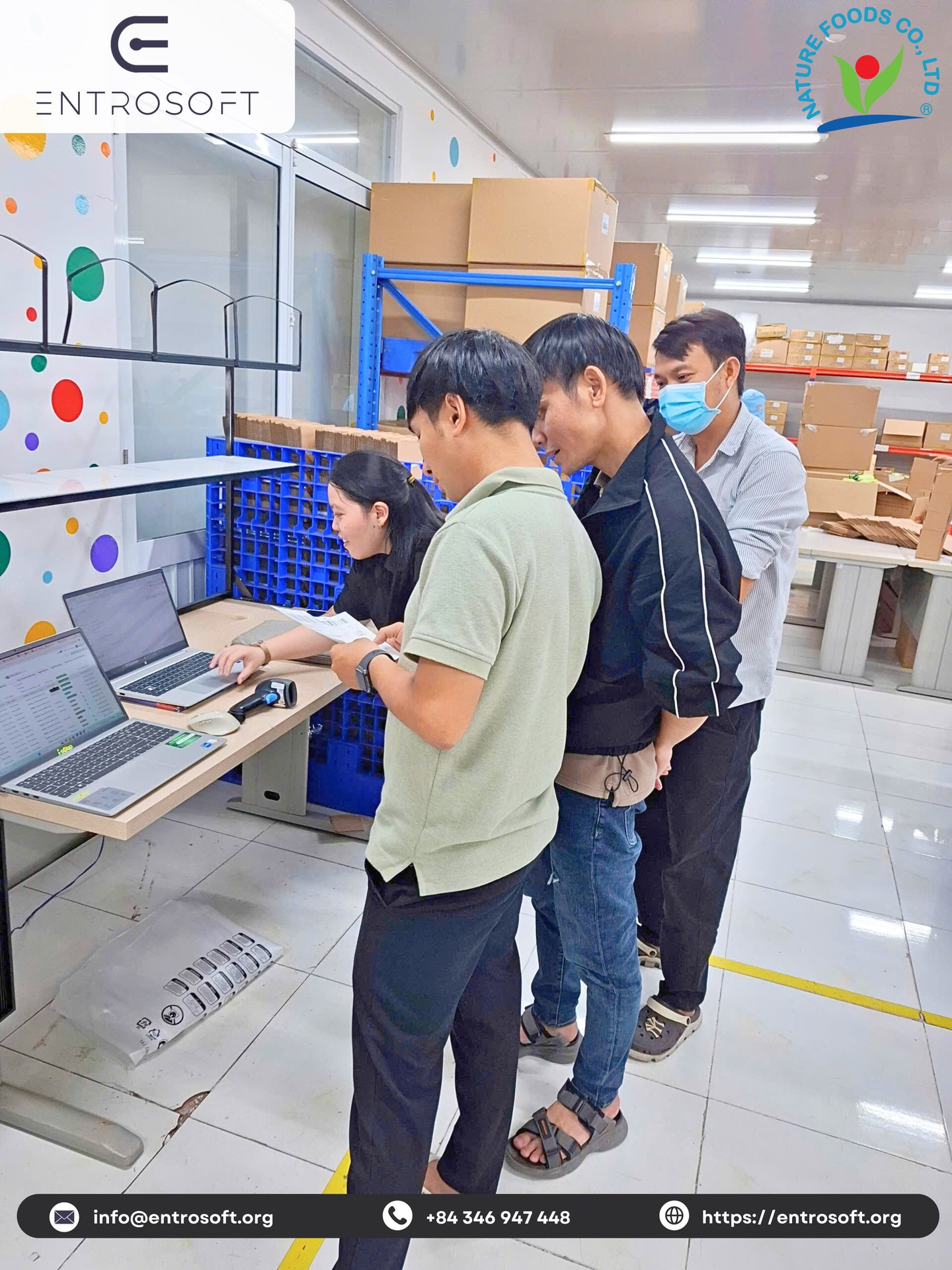
Morning: getting to know the system
ENTROSOFT introduced the order and inventory management screens. The managers practiced right on their laptops, from viewing reports to checking goods. One NFC manager shared: “I never expected everything to be this clear!”
Afternoon: hands-on practice from A to Z
The whole team then practiced following their actual day-to-day workflow:
Each i-Soup box was carefully sealed after scanning — faster, more consistent and more professional handling.
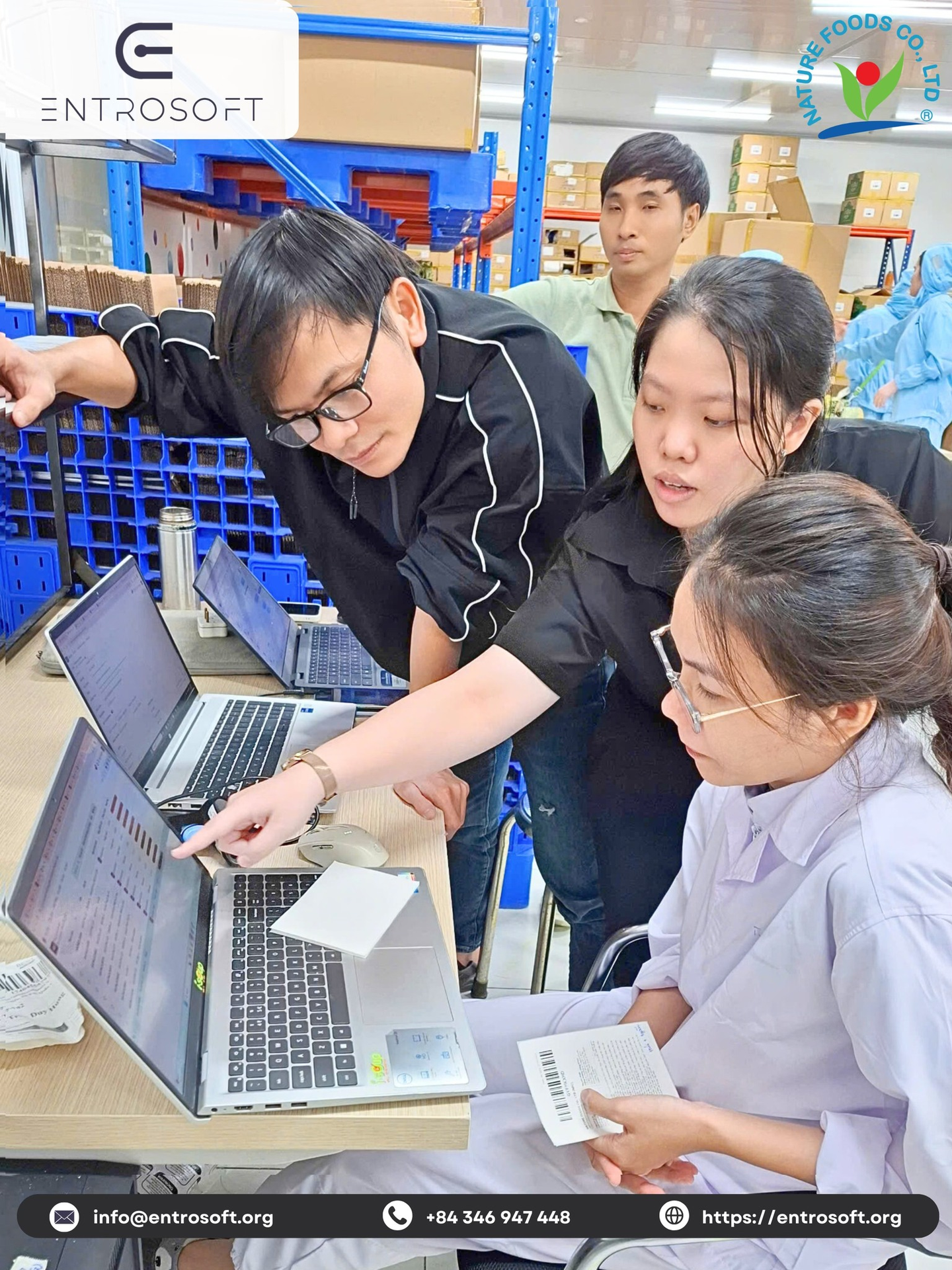
Why train in a test environment?
- Safe: users can practice freely without affecting real data.
- True to life: practice exactly the steps they will perform every day: creating orders, checking stock, packing.
- Early detection: process gaps are identified and fixed before go-live.
ERP user training checklist
- Group users by role: management, sales, warehouse, packing.
- Prepare realistic sample data in the test environment.
- Practice complete end-to-end workflows rather than learning screens in isolation.
- Capture questions and adjust processes before go-live.
Frequently asked questions
When should ERP user training take place?
Before go-live, in a test environment with realistic sample data, organized by role.
Does ENTROSOFT provide on-site training?
Yes. ENTROSOFT delivers training on site at the client's premises, as it did at NFC on 29/05/2025.